
Creating shift plans and staff rotas: avoid the 5 most common mistakes [2026 Switzerland]
Have you spent hours on a rota only to face cancellations, swap requests and missed shifts? Learn the five most common rota planning mistakes and how to avoid them.
Do you know that? You have invested hours in the new roster, only to be confronted with cancellations, swap requests and forgotten assignments shortly afterwards. A functioning roster is the backbone of every flexible team, regardless of whether in the catering industry, at events, in the security industry or in healthcare.
However, manual planning is full of pitfalls. A small mistake can quickly cause major problems, from dissatisfied employees to legal consequences. Overlooked availability, incorrectly assigned qualifications or incomplete communication inevitably lead to chaos and stress for everyone involved. This is exactly where this article comes in.
We'll show you which ones5 most common mistakes when creating a rosterare and how you can specifically avoid them. For each error, you will receive a clear description of the consequences, concrete immediate measures and proven practical solutions. Get ready to improve your planning, reduce conflicts and free up more time for what matters most: your business and your team.
Creating shift plans: The 3 proven approaches in comparison
Before we delve into the typical mistakes, let's first clarify: What methods are there to create shift schedules? Choosing the right solution depends on your team size, industry and specific requirements.
| method | Best for | Advantages | Boundaries |
|---|---|---|---|
| Excel / Paper | Very small teams (1-5 employees), simple shifts | No costs, full control, available offline | Time-consuming, error-prone, no real-time updates, difficult communication |
| Online tools (free) | SMEs with 5-20 employees, alternating shifts | Easy to use, automatic notifications, basic features for free | Limited features, often no integration with time tracking/payroll |
| Professional software | Teams of 10 employees or more, complex requirements (qualifications, laws, multi-location) | Automation, compliance checks, integration, mobile app, reporting | Costs (often from CHF 1.20/use), training period |
Our tip:If you plan to have more than 10 employees or have to comply with legal requirements such as working time laws, break regulations or proof of qualifications, it is worth switching to a professional oneShift planning software. We recommend for flexible teams in events, catering or personnel servicesDeployment planning software with pay-per-use model– so you only pay for assignments that are actually booked.
1. Mistake: You don't take employee availability into account sufficiently
One of the biggest mistakes when creating a roster is ignoring the current availability of your employees. A roster that is based on outdated assumptions or blanket agreements is doomed to failure from the start. It inevitably leads to you scheduling people at times when they simply can't work. The result is an administrative nightmare: short-term failures, a hectic search for replacements and growing frustration on both sides.
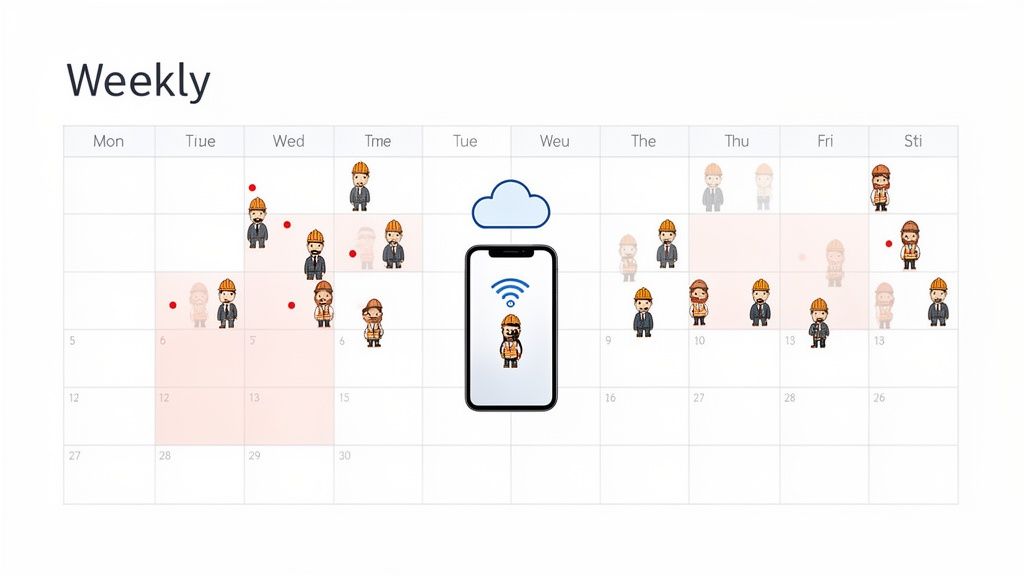
Particularly in industries with flexible working models such as events, catering or security services, dynamic management of availability is the be-all and end-all. Your employees, especially temporary workers, freelancers or students, often have other obligations. If these are ignored, not only will reliability decrease, but also motivation to work for your company.
Typical consequences of this error
The consequences of an inadequate availability query are directly noticeable:
- Increased failure rate:Employees cancel shifts at short notice that they could never have accepted in the first place.
- High administrative effort:You spend hours on the phone or texting trying to find a replacement.
- Declining employee satisfaction:Nobody likes being scheduled for shifts that conflict with their private life. This creates unnecessary stress and the feeling of not being valued.
- Loss of quality:In an emergency, personnel who may not have the ideal qualifications for the specific task often step in.
Immediate measures and proven approaches
To fix this error, you should create processes that make it easy for your employees to communicate their availability and give you a clear overview.
- Centralize the query:No more WhatsApp groups, emails and phone calls. Use a single tool that is binding for everyone. This can be a simple shared calendar spreadsheet or, better yet, specialized software.
- Automate the process:Modern tools make it possible to send availability queries automatically. Employees receive a notification and can enter their availability for upcoming weeks or specific events with just a few clicks. This way you get a clear and up-to-date overview of who can actually work and when. Further information aboutAvailability of event staffYou can find it in our further article.
- Promote personal responsibility:Give your team the opportunity to maintain their availability independently and proactively. A self-service app where employees can block or release their times reduces your administrative burden and gives them more control.
A practical example from the catering industry: A hotel chain introduced a self-service app. Employees could update their availability daily and even swap shifts with each other. The result was a 40% reduction in emergency outages in shift planning.
Another practical example from an event agency: An agency with over 200 freelancers used automated availability queries via an app. A query was launched before each event and only available personnel were considered for planning. As a result, the default rate fell from 18% to less than 5%.
By correctly recording your employees' availability right from the start, you are laying the foundation for a stable and reliable roster. This not only saves you time and stress, but also shows your team that you respect their time and commitments.
2nd mistake: You neglect qualifications and requirement profiles
Another serious mistake when creating rosters is scheduling staff without systematically checking the skills required. If you place employees in positions for which they are not trained or certified, you risk not only poor quality, but also serious safety and compliance issues. The result is a plan that works on paper, but in practice leads to operational mishaps.
This error is particularly critical in regulated industries such as healthcare, security technology or at events where specific licenses (e.g. for forklift drivers or safety certificates) are required. But the right qualifications, such as compliance with hygiene standards or knowledge of allergens, also determine success and failure in gastronomy or catering. A plan that ignores qualifications is a ticking time bomb.
Typical consequences of this error
The consequences of missing a qualification test are often expensive and damaging to reputation:
- Loss of quality and inefficiency:Incorrectly deployed staff work slower, make more mistakes and directly impact the customer experience.
- Security and compliance risks:The use of uncertified personnel can lead to accidents, large fines or the loss of operating licenses.
- Frustration in the team:Qualified employees constantly have to compensate for the mistakes of unqualified colleagues, which leads to tension and demotivation. Employees without the right skills feel overwhelmed.
- Poor planning security:You have to reschedule at short notice if you notice that the scheduled employee does not meet an important requirement.
Immediate measures and proven approaches
To ensure the right person is always in the right place, you need a structured approach to managing skills.
- Create clear requirement profiles:Define which skills, certificates or experience are absolutely necessary for each role and task. Document these profiles centrally.
- Use qualification filters:Modern planning software allows you to store a skill profile for each employee. When planning, you can then filter and only see staff who meet the requirements of the respective shift. This avoids errors right from the start.
- Implement automatic reminders:Get yourself and your employees automatically notified when certificates or licenses are about to expire. This way you can plan training courses in good time and prevent someone with invalid papers from being scheduled.
- Integrate training planning:Link your duty planning with your further training planning. If you see a lack of certain qualifications, you can set up targeted training courses and further develop your team.
A practical example from the healthcare service: A Spitex organization introduced software that automatically checked during planning whether the nursing staff had the necessary certificates for the patient (such as wound management or diabetes care). This reduced compliance violations by over 90%.
Another practical example from the security service: A large security company uses qualification filters to ensure that only personnel with a valid weapons license are scheduled for armed operations. Previous manual errors that led to high risks have since been eliminated.
The systematic consideration of qualifications transforms your roster from a pure attendance list into a strategic tool for quality assurance and risk minimization.
3. Mistake: Lack of communication and notifications
A perfectly planned roster is worthless if the information does not reach your employees reliably. One of the most critical mistakes when creating rosters is poor communication. You might rely on an email, a note on the bulletin board, or a message in a chaotic chat group. But without confirmation that the message has been read and understood, you are planning on shaky ground. This leads to misunderstandings, no-shows and frustration on all sides.
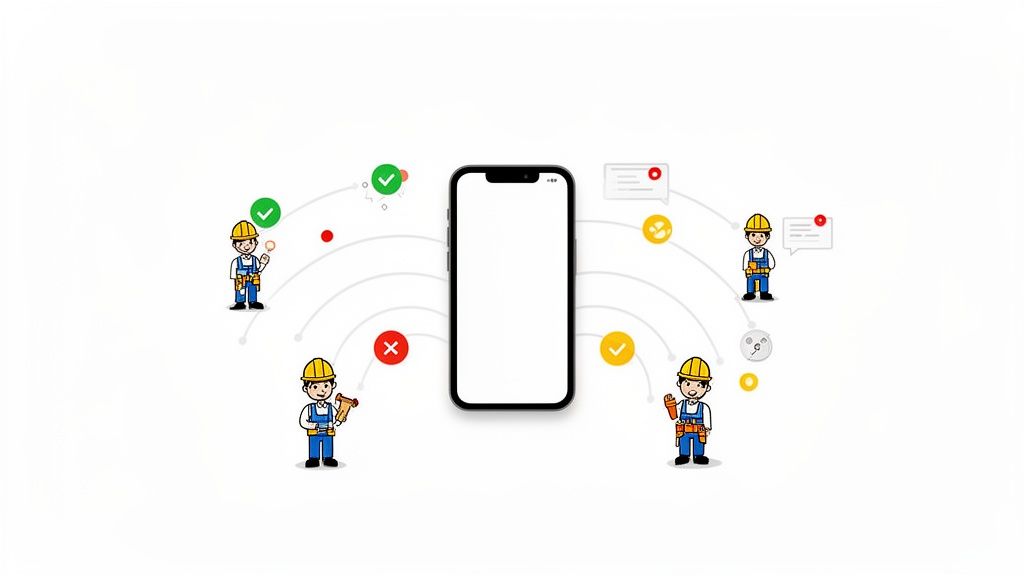
Clear and direct communication is crucial, especially with mobile and flexible teams, such as those common in the event industry, security services or healthcare. Changes to the roster are the order of the day. If an update doesn't reach everyone immediately and on a reliable channel, the system quickly breaks down. Employees show up at the wrong time, in the wrong place, or are prepared for outdated operational details.
Typical consequences of this error
The consequences of inadequate communication are usually expensive and damage your company's reputation:
- Higher no-show rates:Employees don't show up for shifts because they never received the notification, missed it, or misunderstood it.
- Confusion and Inefficiency:The team is uncertain about tasks, times or locations, resulting in delays and poor service quality.
- Growing frustration:Employees feel poorly informed and unappreciated. Planners are stressed because they have to constantly follow up and put out fires.
- Lack of preparation:Important details such as dress codes, specific instructions or changed meeting points are lost, jeopardizing the smooth process.
Immediate measures and proven approaches
To avoid this mistake, you need to build a reliable and traceable communication chain. Your employees don't have to search for information, but rather actively receive it.
- Establish a central information channel:Establish a single, binding tool for all planning-relevant information. A mobile employee app is ideal for this as it serves as a “single source of truth” and everyone has access to current plans and details at all times.
- Use automated notifications:Manual reminders are error-prone and time-consuming. Use a system that automatically sends push notifications, SMS or emails at set times, such as 48 hours, 24 hours and 2 hours before the start of your shift.
- Request active confirmations:Send shift offers or schedule changes so that employees have to actively confirm them. This way you know exactly who received the information and who you can count on.
- Communicate changes immediately and transparently:As soon as something changes to the plan, an automatic notification must be triggered to all affected employees. This prevents anyone from working with outdated information.
A practical example from an event agency: An agency introduced automated push notifications 48h, 24h and 2h before each event. The failure rate due to misunderstandings or forgetfulness was reduced by 35%.
Another practical example from the security service: A company replaced communication via telephone chains with an app. In the event of last-minute changes, such as an alarm, all available employees immediately received an SMS and an app notification with all the details. This massively reduced the chaos in coordination.
Proactive and transparent communication not only makes your roster more stable, but also strengthens the trust and reliability of your team.
4. Mistake: You ignore fairness, legal requirements and occupational safety
A roster must be able to do more than just fill shifts. It is also a legal document. Many planners overlook the fact that they must comply with legal requirements such as rest periods, maximum working hours and break regulations with each shift assignment. A violation is not a trivial offense, but can lead to severe fines, back payments and massive reputational damage. If you don't know these rules or systematically ignore them, you are putting your company at great risk.
At the same time, the perceived fairness in shift distribution is a decisive factor for employee satisfaction. If unpopular weekend or night shifts are always assigned to the same people, tensions quickly arise in the team. Such a roster undermines morale and promotes high turnover because employees feel treated unfairly.
Typical consequences of this error
Disregard for the law and fairness has far-reaching and costly consequences:
- Legal consequences:Official inspections can lead to fines. Employees can also sue for wage supplements and compensation payments for non-compliance with rest periods.
- High fluctuation:Shift distribution that is perceived as unfair is a common reason for termination. The constant search and training of new staff is expensive and time-consuming.
- Falling productivity:Dissatisfied employees are less committed and motivated. The quality of service suffers and the error rate increases.
- Bad working atmosphere:Envy and frustration poison the mood in the team. Instead of collaboration, conflicts arise that distract your attention from the actual tasks.
Immediate measures and proven approaches
In order to plan legally and fairly, you must bring transparency and control into your process.
- Automate rule checking:Don't rely on manual controls. Modern planning tools automatically check legal requirements such as the minimum rest period of 11 hours between two shifts. The system warns you of a violation even before the plan is published.
- Create transparency in distribution:Use systems that ensure a comprehensible and fair distribution of popular and unpopular shifts. Algorithms can help distribute workloads, such as weekend or night shifts, evenly across the entire team.
- Document everything completely:A good roster is also clean documentation. Record all working times, breaks and surcharges precisely. When checked, detailed change logs show that you have fulfilled your obligations. You can find further information about the regulations in our article aboutL-GAV working hours and breaks.
- Integrate surcharges directly:Don't calculate extra payments for night, Sunday or holiday work until you pay your payroll. Software that takes this into account directly in planning creates trust and prevents wage disputes.
A practical example from the security service: A company introduced an automatic check of rest times. The system prevented violations of the EU Working Time Directive and saved the company high compensation payments.
Another practical example from a hotel chain: By introducing systematic hour validation and transparent shift distribution, a hotel was able to reduce fluctuation in the service teams by 25% within a year.
A roster that respects fairness and laws protects your company and shows your employees that you value them and their work performance. This is the basis for a stable and motivated team.
5. Mistake: Lack of data integration and manual planning processes
A common mistake that leads to chaos, especially in growing companies, is working with isolated systems. If your roster exists in an Excel spreadsheet, time recording is done via a time clock and payroll is done in a third, separate program, you are creating unnecessary work and sources of errors. This lack of data integration forces you to manually transfer information from one system to another, which is not only time-consuming but also extremely error-prone.
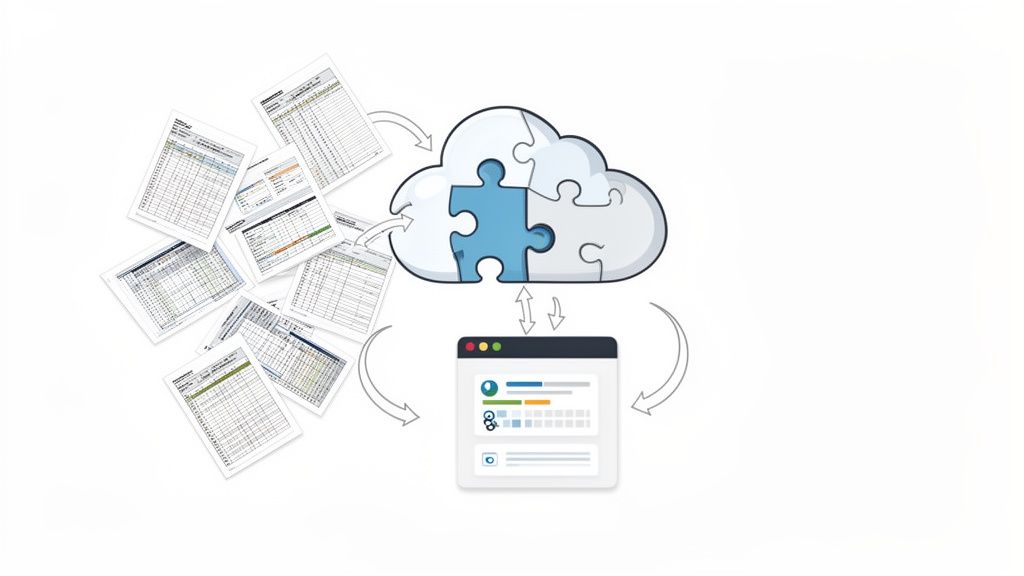
Manual processes and separate data islands may still work for a very small team, but as soon as you scale, have distributed teams or work with many freelancers, this approach becomes a brake. Inconsistent data, duplication of work and a lack of transparency are the direct consequences. You lose track of who worked when and whether the payroll is correct.
Typical consequences of this error
The consequences of a lack of system integration quickly become apparent in everyday operations:
- High error rate:Manually transferring hourly or personnel data inevitably leads to typing errors that extend into payroll.
- Enormous administrative effort:Hours of comparing lists, correcting errors and maintaining employee data twice cost valuable time that could be better invested in your core business.
- Lack of transparency:Without a central data source, no one knows exactly which data is current. This makes strategic decisions difficult and makes audits or controls a nightmare.
- Delayed payroll processes:Manually preparing payroll data at the end of the month is tedious and delays timely payouts, leading to dissatisfied employees.
Immediate measures and proven approaches
To fix this error, you need to centralize and automate your processes and tools. The goal is a seamless data flow between planning, execution and billing.
- Switch to an integrated platform:Say goodbye to Excel, paper lists and various individual tools. A modern workforce management platform combines duty scheduling, time recording and wage preparation in one system.
- Automate data flow:Make sure that the target hours recorded in the duty scheduling are automatically compared with the actual hours actually worked and recorded. This data should then be available directly for payroll accounting without any manual intervention. If you want to know howAI can help in shift planning, you can find further information on this.
- Create a central data source:All employee data, from contact details to qualifications to pay rates, should be maintained in a single place. This avoids contradictory information and reduces the maintenance effort.
A practical example from an event agency: An agency with over 300 freelancers switched from Excel to an integrated platform. Administrative time for scheduling and billing was reduced by 70% while payroll errors were almost completely eliminated.
Another practical example from healthcare: A healthcare organization introduced a central platform with change logs. This ensured compliance security and saved around 20 hours of administrative effort per week.
By eliminating manual processes and creating an integrated system, you not only gain efficiency, but also accuracy and control. Your roster becomes a reliable tool that works seamlessly with all other areas of the company.
Frequently asked questions about shift schedules
What is the best way to create a shift schedule?
The best method depends on your team size:
- 1-5 employees: Excel shift planor Google Sheets are often sufficient
- 5-20 employees:Online tools like job.rocks (Forever Free) offer automation + mobile app
- From 20 employees or complex requirements:Professional software with qualification management, compliance checks and integration
Important: Always take availability, qualifications and legal requirements (working hours, breaks, rest periods) into account.
What do I have to consider when creating a shift plan?
The 5 most important points:
- Availabilities:Record vacations, illnesses and desired times early
- Qualifications:Make sure that only qualified people are scheduled (e.g. certificates, licenses)
- Legal requirements:Working hours max. 50h/week (CH), rest times min. 11h (CH), break regulations
- Fairness:Avoid favoritism, rotate unpopular shifts, pay attention to work-life balance
- Communication:Inform your team in good time (at least 7 days in advance) and provide feedback
How far in advance should I create shift schedules?
At least 7-14 days in advance– this is often required by law in Switzerland and gives your employees planning security. In practice we recommend:
- Fixed shifts (office, production):2-4 weeks
- Changing shifts (restaurant, retail):1-2 weeks
- Event/temporary help:Min. 7 days, better 10+ days
Use for flexible teams with spontaneous assignmentsHelper apps with push notifications- so employees can accept or decline at short notice.
Which software is best for shift scheduling?
The best shift scheduling software depends on your needs:
- job.rocks:Ideal for flexible teams (event, gastronomy, construction, care) – pay-per-use from CHF 1.20/use, forever free version available
- Abacus / Legend:For Swiss SMEs with payroll integration
- Shiftbase / PlanningPME:For retail and production with fixed shift models
Compare features in ourShift planning software comparison 2026.
How many shifts per week are allowed?
In Switzerland the following applies:
- Maximum working time:50 hours per week (office/industry), 45 hours for certain industries
- Rest times:At least 11 hours between shifts
- Sunday work:Only with permission, max. 1x every 4 weeks or 6x per year (depending on the industry)
- Night shifts:Max. 10 hours of working time,Night supplementcausing obligation
ProfessionalOperations planning softwareautomatically checks these specifications and warns you if there are any violations.
What is the difference between duty roster and shift plan?
The terms are often used interchangeably, but there is a subtle difference:
- Roster:General term for any work schedule (including office, fixed times)
- Shift schedule:Especially for changing shifts (early, late, night shift) in catering, care, production, events
In practice: If you plan with fixed working hours (e.g. 9 a.m. to 5 p.m.) → roster. If your team works alternating shifts (e.g. 6 a.m. - 2 p.m., 2 p.m. - 10 p.m., 10 p.m. - 6 a.m.) → Shift plan.
Can I have shift schedules created automatically?
Yes, modern software can partially or fully automate shift schedules:
- AI-based optimization:Algorithms take availability, qualifications, fairness and laws into account
- Templates & Rotations:Repeat proven shift patterns (e.g. 3-shift model,4 layer model)
- Self service:Employees enter availability and software suggests optimal planning
Important: 100% automation rarely works - human fine-tuning (e.g. for requests, special situations) is usually still necessary. Do the math50-80% time savingscompared to manual planning.
How do I best communicate shift schedules to my team?
The 3 most effective ways:
- Mobile app with push notifications:Employees can see their plan immediately on their cell phone (e.g.job.rocks employee app)
- Automatic email/SMS:Send plan as PDF or link 7+ days in advance
- Digital access:Online portal or app where employees can access the current plan at any time
Avoid:Printed plans on the bulletin board (OK only as a supplement) - too slow, no notifications of changes, not available on mobile devices.