
Shift plan template: legally compliant shift planning made simple
A clear shift plan template is one of the simplest and most effective ways to bring order to day-to-day operations while keeping scheduling fair and legally compliant.
A clean one Shift schedule template is probably the simplest and most effective method to finally bring order into your daily operations. At the same time, it ensures fairness in the team, which is often underestimated. With a good template in hand, you can keep track of things, easily comply with legal requirements such as rest periods and distribute the workload fairly.
Why your shift plan is more than just a list
To be honest: the shift plan is the heart of your operational business. He decides whether the store runs smoothly or sinks into daily chaos. A well thought out one Shift schedule template makes the crucial difference here. It is much more than just a table with names and times - it is a central tool for employee satisfaction and the entire operational organization.
A fair and transparent plan immediately lifts the mood in the team and increases motivation. When everyone sees that the unpopular shifts are distributed fairly and personal wishes are heard where possible, people feel valued. The result? A better working atmosphere and, yes, also higher productivity.
Avoid typical pitfalls of manual planning
Without a solid template, mistakes quickly creep in and cause a lot of dissatisfaction. The classics I see again and again:
- Unequal distribution: Individual employees constantly have to do the unpopular weekend or night shifts. Imagine that Anna has to work every Saturday while Ben never works on weekends. This leads to frustration.
- Forgotten rest periods: In the heat of the moment, the legally required breaks between two shifts are overlooked - a legal no-go.
- Missing overview: Nobody really knows who works when anymore. This makes communication more difficult and inevitably leads to misunderstandings.
A well-structured shift schedule is not a luxury, but a necessity. It creates clear structures, prevents conflicts and ensures that you are legally on the safe side.
Imagine a restaurant scribbling its plans by hand on a piece of paper. Before the change, there were constant discussions about swapping shifts and no one really knew who was actually responsible on the weekend. As soon as a structured template was introduced in which each shift was clearly defined and the hours were recorded automatically, everything went quiet. The team was able to view the plan at any time, and the planning became comprehensible and fair for everyone. More on the basics of a clever Operations planning can be found in our guide.
The world of work in Switzerland is changing. The data shows that average annual working hours per job are falling slightly, partly due to less overtime and more part-time work. This just shows how important a precise and flexible Planning today is about making good use of the available workforce. A good one Template for your shift plan helps you to react to such trends and to prepare your planning well.
Build your own shift plan template in Excel
Now it's time to get down to business. Together we will build a functional one step by step Shift schedule template in Excel, which you can immediately use for your team. The goal is to have a solid base that you can adapt over and over again without having to start from scratch every time. As a practical example, let's take a typical weekly plan that is commonplace in the retail trade.
This graphic gets to the point: The path leads from confusing chaos of notes to a clear, structured shift plan that ensures a satisfied team.
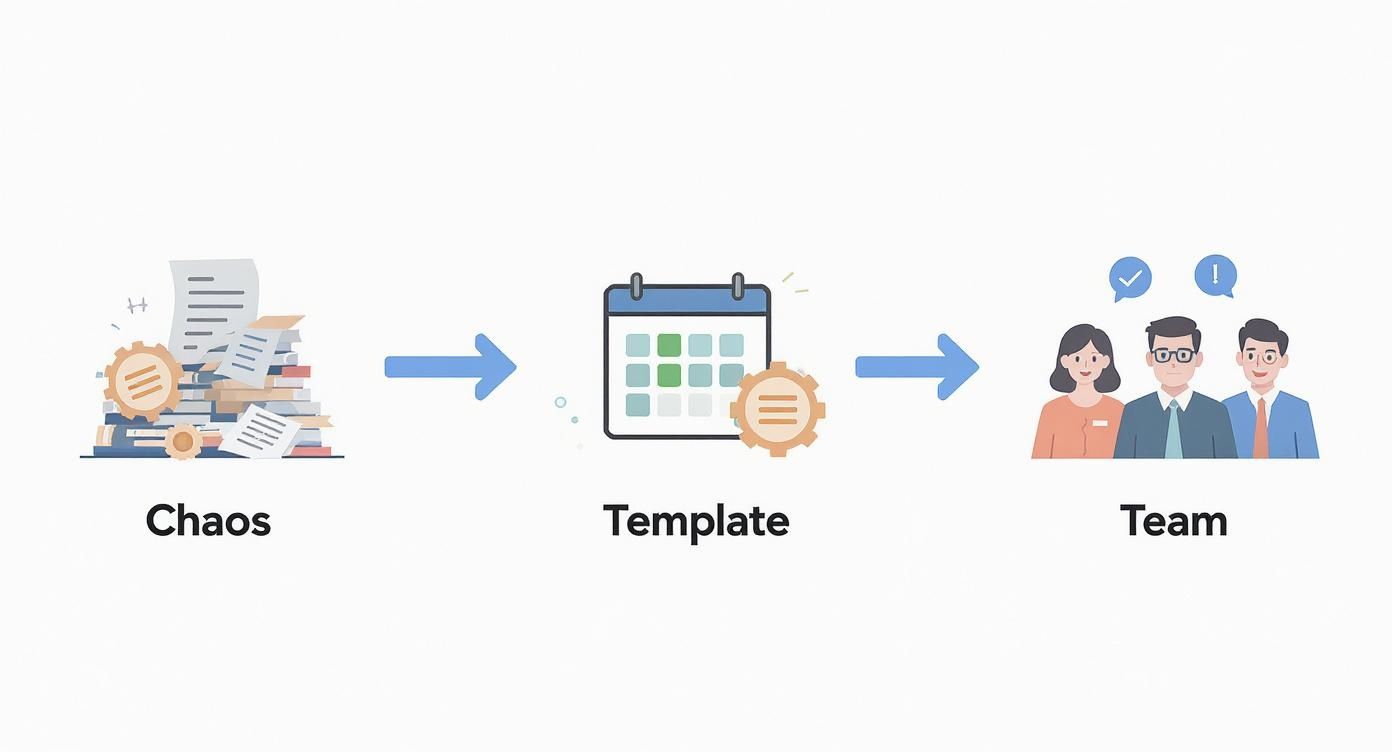
You can see straight away: A good template is the crucial link between administrative chaos and a team that functions smoothly.
The basic structure of your shift plan
Open a new, empty Excel spreadsheet and get started with the basic structure. This is easier than it sounds. Basically you just need rows for your employees and columns for the days of the week.
- Line 1: Enter the days of the week here, from Monday to Sunday.
- Column A: Below, list the names of your employees.
A little professional tip: deliberately leave a few lines blank under the list of names. This means you can easily add new team members later without destroying the entire format.
I still add a line at the top for the calendar week (e.g. “week 35”) and the exact date. This helps enormously to keep track of different weekly plans and ensures clean, understandable documentation.
Define layers and mark them in color
Now let's bring the plan to life. It's best to define very simple abbreviations for your shift types. This keeps the plan clear and readable at a glance.
For our retail example this could be:
- F for the early shift (e.g. 8:00 a.m. – 4:30 p.m.)
- S for the late shift (e.g. 11:30 a.m. – 8:00 p.m.)
- U for vacation
- K for illness
And now to the visual part that really makes the difference. Use “Conditional Formatting” in Excel to automatically color the cells. You can find it under Home > Conditional Formatting > Cell Highlighting Rules > Text Content. Assign each abbreviation its own color - for example, a calming green for the early shift and a clear blue for the late shift. This way you can immediately recognize patterns and see how the layers are distributed.
Calculate hours automatically
Probably the biggest advantage of an Excel template is automation. We are now adding a simple but extremely useful formula that automatically calculates the weekly hours per employee.
At the end of the weekdays, add a new column titled “Weekly Hours.” In the cell right next to the first employee name, enter a COUNTIF formula. Let's assume the shifts for this person are in the range B2 to H2:
=(ZÄHLENWENN(B2:H2;"F")*8) + (ZÄHLENWENN(B2:H2;"S")*8)
What does this formula do? It counts how often “F” and “S” appear in the line and multiplies the number by the respective shift duration (in this example 8 hours). Simply adjust the number of hours to your actual shift lengths. Then drag the formula down with the mouse for all other employees. This way you can see at a glance whether someone is reaching, exceeding or even falling short of their contractual working hours.
Know the most important legal requirements in Switzerland
A practical shift schedule is one thing, a legally compliant one is another. So that yours Shift schedule template not only looks good, but also meets all legal requirements, you have to master the rules of the Swiss Labor Law (ArG) in your sleep. These requirements are not a bureaucratic end in themselves - they not only protect your team from overload, but also protect you from unpleasant legal consequences.
The foundation of every planning is the maximum permissible working hours. In Switzerland this is the case for most industries 45 to 50 hours per week. Very important: This limit does not have to be adhered to exactly every week, but rather on average over a set period of time. Your template should definitely add up the weekly hours automatically. This way you can see at a glance where your employees are and avoid unpleasant surprises.
Schedule rest times and breaks correctly
One of the most common mistakes in manual scheduling is ignoring rest periods. There must be an uninterrupted rest period of at least: between two work assignments 11 hours lay. This sounds simple, but is quickly overlooked in the heat of the moment.
So if you schedule someone for a late shift until 11 p.m., the next early shift may not start until 10 a.m. the next day at the earliest. You should always keep this buffer in mind when planning.
The break regulations are just as clearly defined. If you work more than 5.5 hours a day, a break of 15 minutes is mandatory. If someone works longer than 7 hours, it's 30 minutes, and if it's over 9 hours, it's even a whole hour. These breaks are considered breaks from work and are usually unpaid unless the employee is not allowed to leave their workplace.
The following overview summarizes the central points of the labor law that you can use for your Shift schedule template definitely have to have on your screen.
Legal requirements for shift schedules in Switzerland
An overview of the most important legal key points from the Labor Act (ArG) that must be taken into account when planning shifts.
| aspect | Regulation according to ArG | Practical tip for the template |
|---|---|---|
| Maximum working hours | 45 or 50 hours per week (depending on the industry) | Insert a column for the automatic total of the weekly hours. |
| Daily rest time | At least 11 hours continuously | Do a visual check between the end of one shift and the start of the next. |
| Break regulations | 15 min. (>5.5h), 30 min. (>7h), 60 min. (>9h) | Note break times in the plan or take them into account in the shift length. |
| Night & Sunday work | Basically forbidden, but possible with permission and surcharges. | Clearly document special regulations for affected employees. |
This table gives you a solid basis. In everyday life, however, the pitfalls often lurk in the details, especially with special working time models.
Special rules for night and Sunday work
Night work (between 11 p.m. and 6 a.m.) and Sunday work are not simply allowed in Switzerland for good reason - they require official approval. If employees are regularly deployed during these times, they are also entitled to wage or time bonuses. There is a time surcharge for night work 10%, while for temporary Sunday work a wage supplement of 50% becomes due. Record these special features in your template so that you can process your payroll cleanly and correctly. You can also find detailed information in our articles on Labor law in Switzerland.
The proportion of shift workers in Switzerland has hardly changed in the last twenty years and is stable at around 16%. In contrast to the European trend, where shift work is increasing, in this country more flexible models are often preferred that better meet the needs of employees. You can find out more about this development in the Swiss labor market at Website of the Federal Statistical Office.
Practical examples for various industries
Every industry has its own rules when it comes to shift planning. A hospital that runs around the clock works completely differently than a restaurant with its typical peak times at lunch and evening. And in logistics? A seamless handover is the be-all and end-all.
Let’s take a look at a few concrete examples from practice. This will give you a better feel for what really matters.

Operations planning is the heart of operations in many sectors. At least around 2022 people worked in Switzerland 593,000 people in shift work - that's almost 16% of all employed people. Rotating models are particularly indispensable in health and social services, in the hospitality industry or in transport and warehousing. By the way, Watson has an exciting one Analysis of the spread of shift work in Switzerland published.
Shift planning in healthcare
In hospitals and nursing homes, one thing has absolute priority: seamless care for patients. A shift schedule must not only be rock-solid, but also meticulously adhere to the strict statutory rest times.
- The special feature: A classic 24/7 operation, usually divided into early, late and night shifts.
- The challenge: There must be enough qualified staff on site at all times, for example qualified nurses on each individual ward. If someone is absent due to illness, the plan must be able to compensate for this immediately.
- Solution in the template: The qualifications of the employees are stored directly in the template. With color coding you can see at a glance whether all the necessary skills are covered per shift. In addition, there needs to be a separate list of jumpers who can step in at short notice.
A good hospital shift schedule is like precise clockwork. Every gear must mesh perfectly with the other, because human lives are at stake here. The template must therefore also be able to reflect emergency scenarios and emergency services.
Flexibility in the catering industry
In the hospitality industry, hardly any day is the same as another. The occupancy varies extremely - depending on the day of the week, the weather or whether there is a big event in the city. A rigid one Shift schedule template would be completely useless here.
The plan must allow maximum flexibility in order to be able to react to spontaneous reservations or an unexpectedly sunny terrace day. Employees are often only scheduled in short blocks for the lunch or evening peak. A good template must clearly reflect such “shared services” and add up the hours correctly at the end.
During seasonal peaks or temporary assignments such as at festivals, there is often another layer: employers not only have to take care of the shifts, but also the legal and organizational aspects of employee accommodation.
Seamless handovers in logistics
In a logistics center or a production facility, every minute counts. The shift change must go absolutely smoothly so that no valuable time is lost. Machines must not stand still and supply chains must not be interrupted.
The Shift schedule template The focus here is clearly on overlapping shift times. A quarter of an hour in which the old and new shifts work together is often standard. During this time, important information is handed over and the workflow continues without interruption. The template must clearly show these handover times and correctly include them in the total working time.
When is it worth switching from Excel to software?
A homemade one Shift schedule template in Excel is a fantastic place to start. No question. It doesn't cost anything, is flexibly adaptable and works perfectly for many small teams. But almost every planner reaches the point at some point where the disadvantages outweigh the disadvantages and the administrative effort eats up the actual planning work.
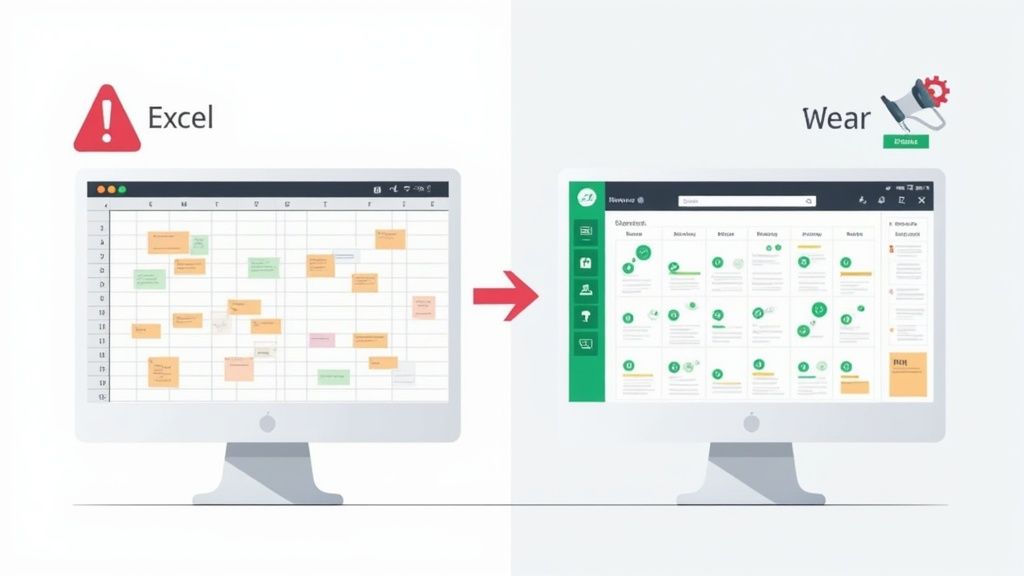
At the latest when you notice that you are spending hours making manual changes, constantly correcting errors in the hourly calculation or negotiating swapped shifts via WhatsApp, the alarm bells should ring. The Excel spreadsheet turns from a helper into a burden.
Typical signs: When Excel reaches its limits
Your Shift schedule template is at the end of its tether when you recognize yourself in these situations:
- The time waster: Every small adjustment – a vacation request, an illness – requires laborious copying and calculations. Planning feels like Sisyphean work.
- The source of the error: A transposed number in a formula or a forgotten cell can mess up the entire payroll process. Manual checking costs additional time and nerves.
- The communication chaos: Changes to plans come in via email, calls or private messages. In the end, no one knows which version of the plan is the most current.
- The legal uncertainty: Every time you plan, you have to manually keep in mind whether rest times are adhered to and surcharges are calculated correctly. This is an unnecessary risk.
As soon as managing the shift schedule costs more energy than strategically organizing your team, it's time for a professional solution. This change is not a failure, but rather the next logical step for a growing company.
Comparison of manual planning vs. automated software
To make the differences tangible, here is a direct comparison between the classic Excel template and dedicated shift planning software.
Comparison of manual planning vs. automated software
| function | Excel template (manual) | Software like job.rocks (automated) |
|---|---|---|
| Plan creation | Time-consuming, manual entry of each shift | AI-powered suggestions based on availability & qualifications |
| Rules check | Manual control of rest times & work laws | Automatic warnings for violations of the law |
| communication | Unstructured (email, WhatsApp, telephone) | Centralized via an employee app with push notifications |
| Time tracking | Manual entry or separate timesheets | Integrated digital time clock via app |
| Employee wishes | Laborious collecting and manual entry | Self-service portal for availability and shift swapping |
| Payroll | Manual data transfer with high error rates | Automatic data export for seamless payroll accounting |
You can quickly see that specialized software simply takes over the recurring, annoying tasks for you. It automatically checks legal requirements, incorporates employee requests directly into the planning and distributes the finished plan to the entire team with a click.
If you would like to know more about what options are available on the market, you can find it in our large Comparison of workforce planning software for Swiss SMEs valuable clues. In the end, switching to a digital solution is an investment in time, accuracy and, last but not least, the satisfaction of your team.
Frequently asked questions about the shift schedule template
In practice, the same questions arise again and again. Here you will find clear answers to the most common stumbling blocks when creating and using shift schedules - summarized for you directly from our experience.
Can I use one template for all industries?
Theoretically yes, practically no. Of course, every shift plan has a basic structure with days and employees that is universal. But as always, the devil is in the details. A hospital necessarily needs fields for specific qualifications, while a restaurant needs flexible time blocks for peak times in the afternoon and evening.
So you can start with a general template, but it definitely needs to be adapted to the reality of your business. Don't ask yourself what is in the template, ask yourself: What information is needed? mean Daily routine absolutely crucial?
What is the most common mistake in shift planning?
The biggest and most expensive mistake is ignoring statutory rest periods. It's all too easy to forget in the stress of everyday life: in Switzerland you have to work between two work assignments at least 11 hours uninterrupted break. This point quickly disappears from view, especially when shifts are swapped at short notice.
A classic from practice: Your employee works the late shift until 11 p.m. Scheduling him straight back into the morning shift at 7 a.m. the next morning is a clear violation of labor law. This can result in severe fines during an inspection.
A good template should help you recognize such constellations immediately, ideally through a visual warning or a built-in check.
How do I deal with short-term changes?
Sick notes and other short-term absences are the natural enemy of any perfectly planned shift schedule. The be-all and end-all here is a crystal-clear communication chain. Everyone on the team must know what to do in an emergency.
- Fixed contact person: Designate someone (e.g. the shift manager) to wear the hat and coordinate all changes.
- Springer pool: Keep a list of flexible temporary or part-time workers that you can call in an emergency. Worth its weight in gold!
- Transparency: Make sure that any change in plans is communicated immediately to everyone affected. Nothing is more frustrating than being surprised by a new shift.
How fair is a shift schedule really?
Fairness is often a gut feeling, but you can make it measurable and therefore objective. This is exactly what a well-thought-out one will help you with Shift schedule template. Instead of relying on your memory, you can easily track the distribution of unpopular tasks.
- Who had how many weekend shifts this month?
- How often did someone have to take the night shift?
- Are the holidays divided fairly?
You can record this data in black and white using simple counting functions in your template. In this way you create a comprehensible basis for discussions and can argue with facts. This greatly strengthens trust in the team and takes the wind out of the sails of dissatisfaction right from the start.
Are you ready to leave your manual planning behind and switch to an intelligent, automated solution? job.rocks takes the complexity away from you and ensures that your shift schedules are always fair, efficient and legally compliant. Discover now how you can save hours of administrative work. Arrange your personal demo on job.rocks